
Review against the approved scope.
The final walkthrough should not rely on memory. Bring the approved quotation, written changes, finish schedule, drawings, work order, and earlier deficiency notes.
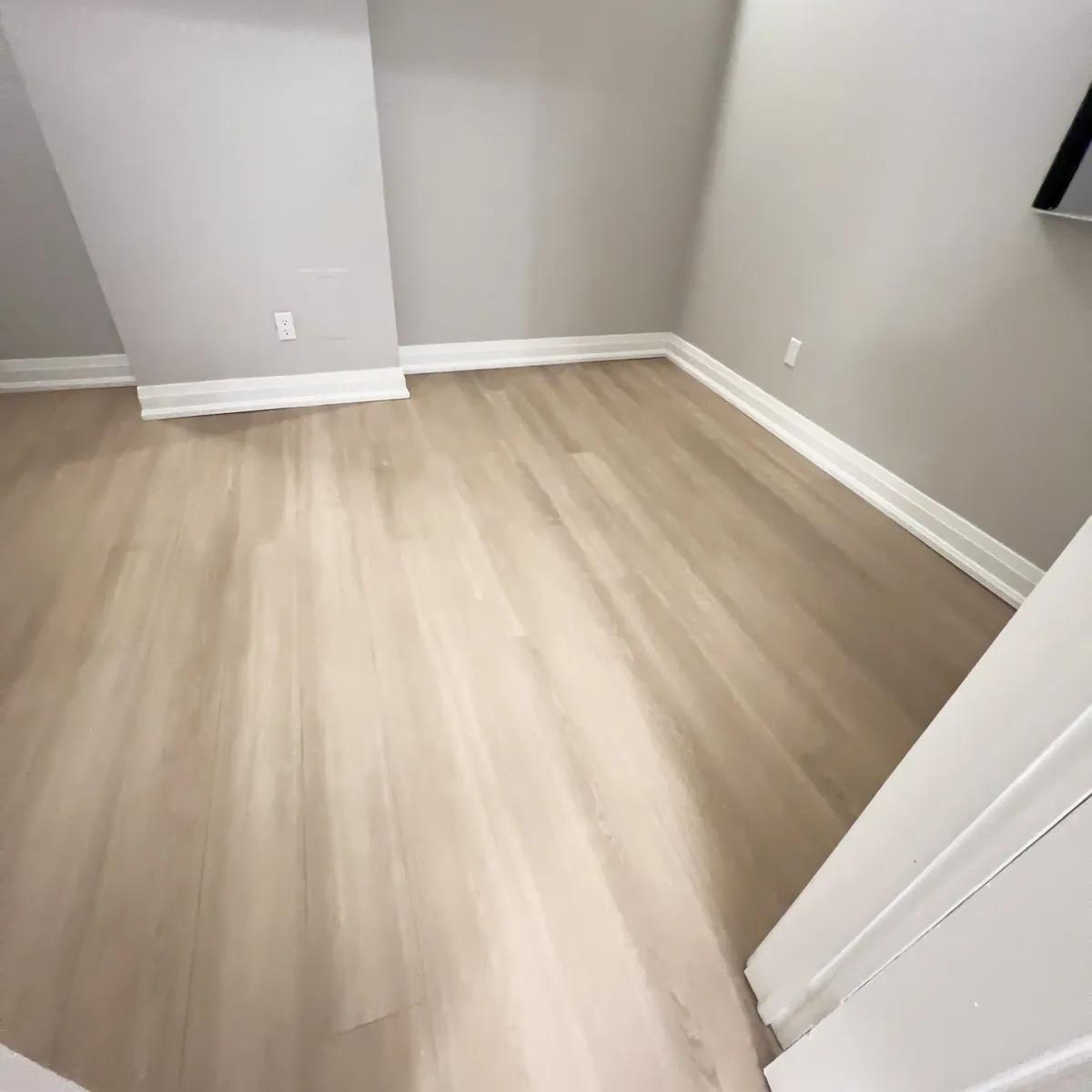
Walk every affected area in a consistent order. Check installation, operation, alignment, finish, cleaning, labels, protection removal, debris, access routes, common areas, and items that were meant to remain. Photograph the completed work from repeatable viewpoints and connect the images to the correct address, unit, work order, and date.
Turn deficiencies into assigned actions
A deficiency list should describe the exact location, expected correction, responsible party, access requirement, and target date. Use photographs where they reduce ambiguity. Separate incomplete contracted work from new owner requests and maintenance items outside the project scope.
Do not mark the file complete because the main construction activity has stopped. Track every deficiency to a documented resolution or an approved decision not to proceed. If residents or building staff must provide access, give them a clear window and contact person.
Collect the closeout package
- Approved scope, quotation, purchase order, work order, and all written changes.
- Final invoices, allowances, credits, deposits, and payment status.
- Permit and inspection records applicable to the actual work.
- Trade records, including an ESA Certificate of Acceptance when applicable electrical work has passed ESA review.
- Product data, finish schedule, paint colours, flooring details, manuals, warranties, care instructions, and spare materials.
- Before, progress, completion, and deficiency photographs labelled to the property.
- Keys, fobs, access codes, remotes, shutoff information, circuit information, and emergency contacts affected by the work.
Return the space to operations
Confirm whether the unit or area is ready for occupancy, leasing, cleaning, furniture, resident use, or the next contractor. Explain temporary restrictions, cure times, ventilation, cleaning products, shutoffs, filter changes, and warranty procedures. Update building staff, leasing teams, residents, and vendors using one consistent completion message.
For a turnover, include the ready-for-leasing date and any follow-up visit that could affect showings or move-in. For occupied work, confirm that belongings, services, and access arrangements have been restored.
Refresh contractor records
Keep the contractor’s current insurance and WSIB clearance information with the appropriate vendor or project record. WSIB describes a clearance as confirmation that a contractor is registered and in good standing at the time it is issued; clearances may be valid for up to 90 calendar days and can be renewed. A document that was current at project start may therefore need to be refreshed for later work.
Set an owner within the property team for renewal checks, retention rules, and vendor-document updates. The correct process depends on the organization, contract, and applicable requirements.
Make the file useful later
Name documents consistently and store them where future property staff can find them. A useful structure begins with property, unit or area, project type, and completion date. Add warranty expiry and maintenance reminders to the operational calendar instead of leaving them inside a PDF or email thread.
Official WSIB reference
Keep the handover record in the Client Portal → Pair this with the property-manager work-order checklist →